

What is the Advice section and how do I act on it?
The Advisor reads your farm’s readings and writes you a piece of advice when a value drifts from its target, such as “Soil moisture is low”. The Advice section on Home shows it. Some advice comes with a ready action that you can run or cancel.
Before you start
Section titled “Before you start”- Role needed: every role can see the advice. The Do it now, Not needed…, Hide and Ask now buttons appear only for the Owner and Admins.
- Where it is available: web.
- The section is hidden when the Advisor is off and there is no advice.
How to get there
Section titled “How to get there”- Sign in (see How do I sign in to my farm?).
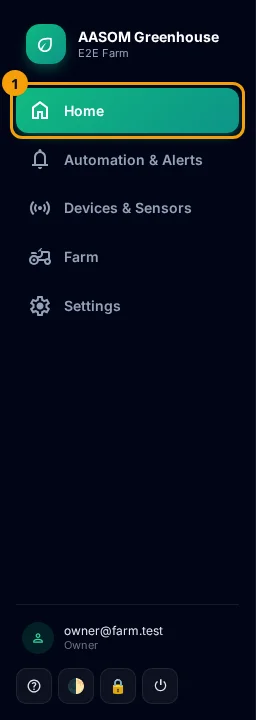
- Press Home in the side menu. On a phone, it is in the bar at the bottom of the screen.
- Scroll to the “🧠 Advice” section, above the charts.
Read a card
Section titled “Read a card”
- The small line at the top names the measurement (such as
soil moisture), the sensor’s name if you gave it one, and when the advice was written. - The white sentence is the advice itself.
- The card edge: red for critical advice, amber for high, gray for normal.
Advice with an action
Section titled “Advice with an action”It carries a countdown badge (such as “in 15 min”) that shows when the action is planned, and two buttons:
- Do it now runs the action immediately. You can see the result in Controls.
- Not needed… asks “Why not?”. Type the reason (for example “I watered by hand this morning”) and the advice is cancelled.
Advice with no action
Section titled “Advice with no action”This means nothing on your farm can carry it out automatically. The reason is written under the advice, and is one of four:
- The Advisor held the action back: a fault is open on the output, or the advice was written before the output was set up. The next advice will carry the action.
- The output exists but cannot run right now: the reason is given (for example, its device is suspended).
- No output can do this: give one of your outputs the needed function on the Devices page.
- An action that is never guessed: if you have an output that does this, choose it in Settings, under “What the Advisor may switch”.
When you have read it, press Hide to remove it from the page.
Ask now
Section titled “Ask now”The Advisor collects its advice on a schedule. Press Ask now beside the title to make it check the readings straight away. Next to it, a note appears when needed: “the Advisor is off” or “not reachable right now”.
When everything is on target you see “Everything is within target range.”
Common problems
Section titled “Common problems”I do not see the Advice section. The Advisor is off and there is no earlier advice. The Owner turns it on in Settings.
I do not see the buttons. Your role is Viewer. Only the Owner and Admins see them.
I pressed Do it now and nothing happened. Check Controls and the device in the device list: it may be offline or suspended.
Glad it helped, thank you!